
EMPOWERING YOUR JOURNEY TO A RESILIENT DIGITAL FUTURE
investigation & response
Zero Complexity.
A 360 APPROACH TO CYBER RESILIENCE
IN THE AGE OF AI-DRIVEN THREATS
Our 360° Holistic Approach empowers your organization to stay ahead of AI-driven threats. Built on 20+ years of cybersecurity expertise, it helps you Anticipate, Withstand, Adapt, and Recover from cyber disruptions while meeting compliance requirements.
This approach integrates solutions, services, and products across four strategic Pillars. Each can operate independently, but together, they strengthen resilience across People, Process and Technology.
Enhance your regulatory posture, reduce risk exposure, and ensure uninterrupted business operations, even under pressure—with end-to-end managed cybersecurity.
Strengthen your cybersecurity posture, achieve compliance, and manage risk through expert-led consulting and assessments. Our Whitehat Threat Actors simulate real-world attacks to uncover and prioritize vulnerabilities across your digital ecosystem—on-premises and in the cloud, helping you stay resilient against today’s evolving threats.
ClearSkies™ iISOC Platform
Empower your team with an AI-native cybersecurity platform that sees in real time, understands in context and responds at machine speed — so you can pre-empt disruptions, cut through alert noise and continuously adapt.
Empower your organization with cutting-edge products, tools, and methodologies tailored for hybrid infrastructures. We deliver robust protection across both your on-premises and cloud environments, building true cyber resilience.
AI-powered threat detection combines advanced AI capabilities with expert human analysis, providing highly effective Security Operations Services
Improve your cybersecurity posture, achieve compliance, and develop an applicable and effective cybersecurity strategy
Encompass cutting-edge products, tools, and methods to enhance your organization’s Cyber Resilience in both on-premises and cloud environments

SEE HOW CLIENTS ARE FUTURE-PROOFING THEIR CYBERSECURITY TO STAY AHEAD OF EVOLVING THREATS.
In the fast-paced retail industry, especially in the food services, we can’t afford any downtime or security breaches. Odyssey is not just a service provider but a strategic partner who understands our needs and the way we operate, offering solutions and recommendations perfectly aligned with our requirements.
We significantly improve the speed at which we detect and respond to suspicious behaviors inside and outside of our networks.
We have improved our strategic decision-making due to the crucial security context found in the information ClearSkies provides.
What make us different
PIONEERING
We lead where others follow.
You embrace a fearless, forward-looking spirit, just like Odysseus’s legendary journey, turning your “Impossible Challenges” into Possible Solutions. We guide you through the unpredictable cyber terrain with courage, innovation, and a vision for what’s next.
EXPERTISE
20+ years setting the standard in cybersecurity.
You benefit from over 20 years in the cybersecurity field, protecting organizations across diverse industries and complex threat landscapes. Recognized by global analysts and backed by top-tier certifications, we combine proven strategies, advanced technologies, and human intelligence to deliver unmatched cyber resilience.
RESILIENCE
Unmatched protection, now and for what’s next.
You gain a 360° holistic approach, powered by our unmatched expertise in advanced technologies, AI, behavioral analysis, and top-tier certifications. We help you anticipate, withstand, and recover from threats—delivering the peace of mind you need to focus on your future.
INTRODUCING THE ClearSkies™ iISOC PLATFORM
A Modular Platform Purpose-Built for the Modern SOC
Empower your team with an AI-native cybersecurity platform that sees in real time, understands in context and responds at machine speed — so you can pre-empt disruptions, cut through alert noise and continuously adapt.
WHAT’S NEW
PRESS_RELEASES
Odyssey Cybersecurity and Airia announce strategic collaboration to enable secure enterprise AI adoption
THREAT-ALERTS
High Level – New Critical PHP Vulnerabilities Could Allow Remote Code Execution
THREAT-ALERTS
High Level – Critical vulnerabilities, affecting VMware vCenter, ESXi VMXNET3 and the Cisco FMC software, actively exploited in the wild
PRESS_RELEASES
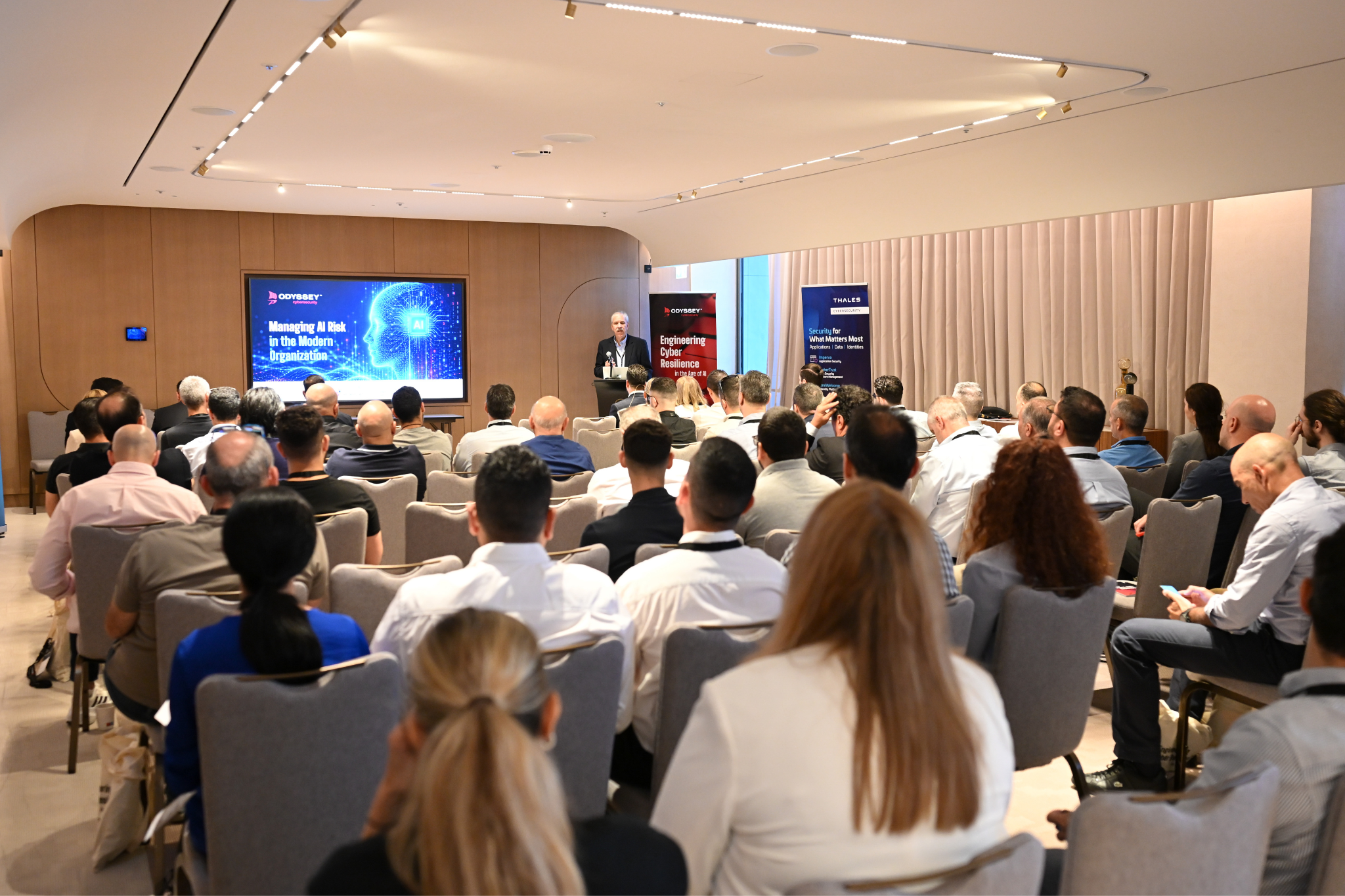
Managing AI Risks in the Modern Organization